
Salesforce consulting that works like part of your team.
We don't hand you a system and walk away. We join your team, learn how you work, and build alongside you until it fits.
 Jason McKenzie, veteran
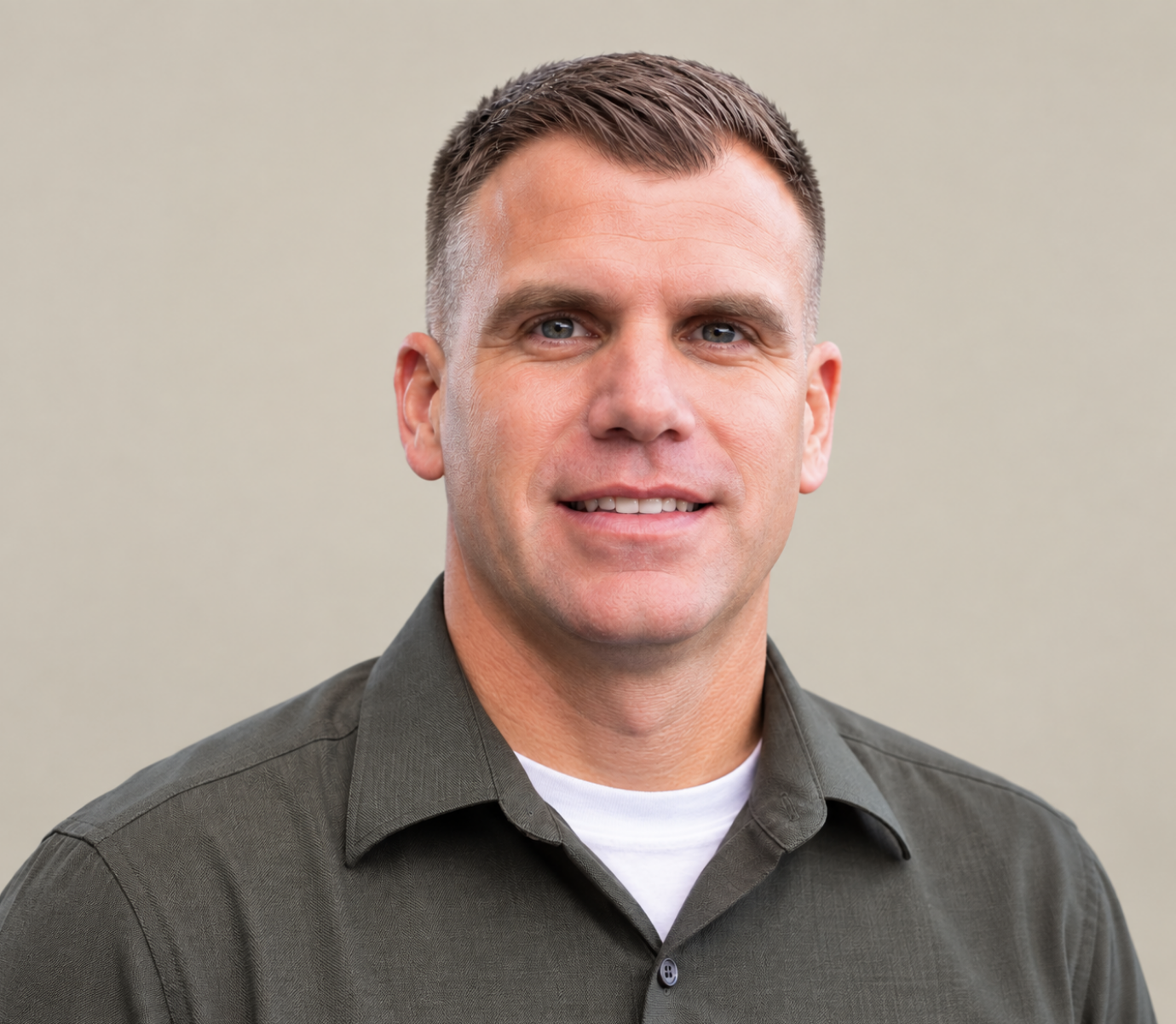 Jason Phipps, veteran
 Mike Salem
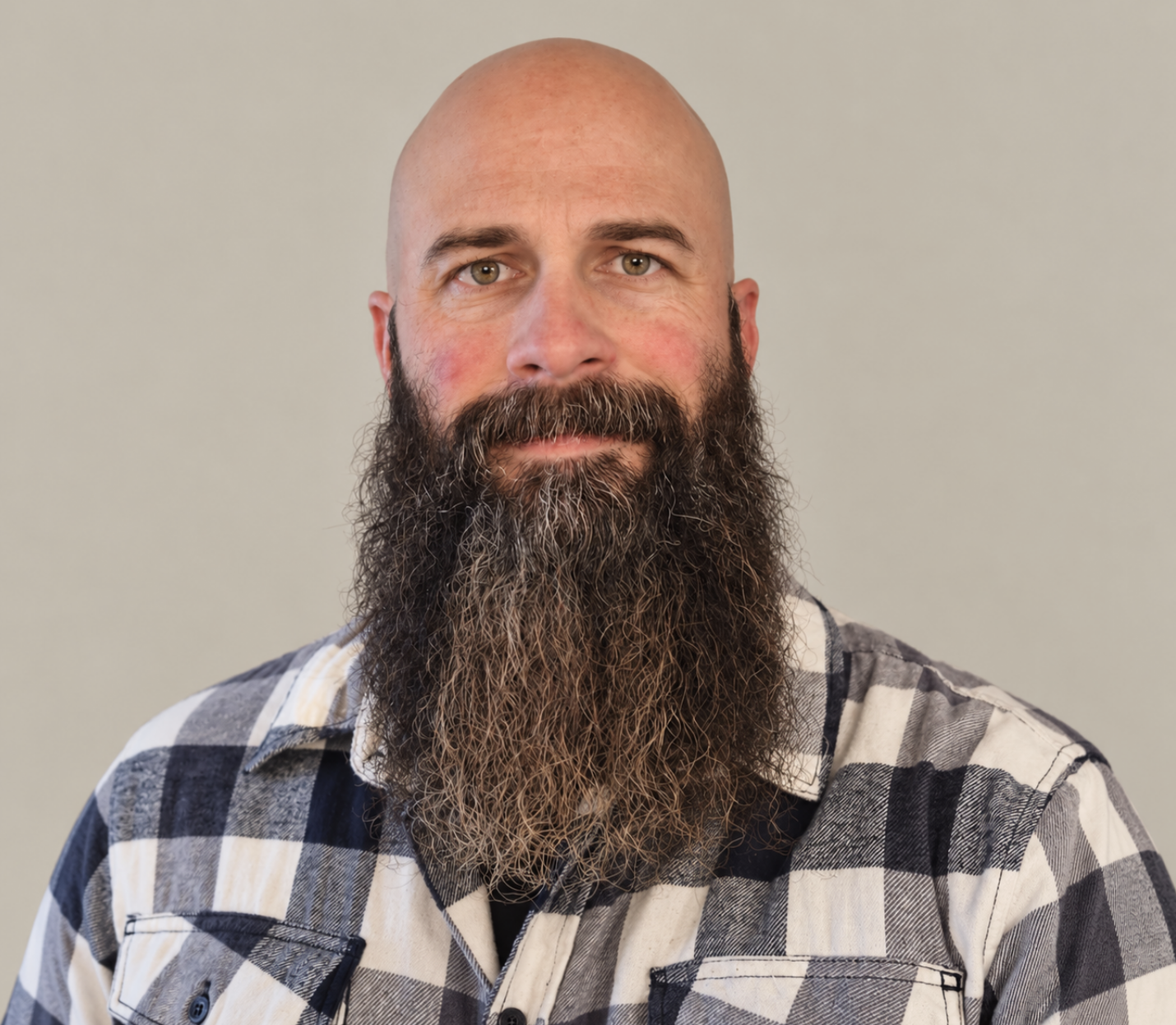 Jon Ruch, veteran
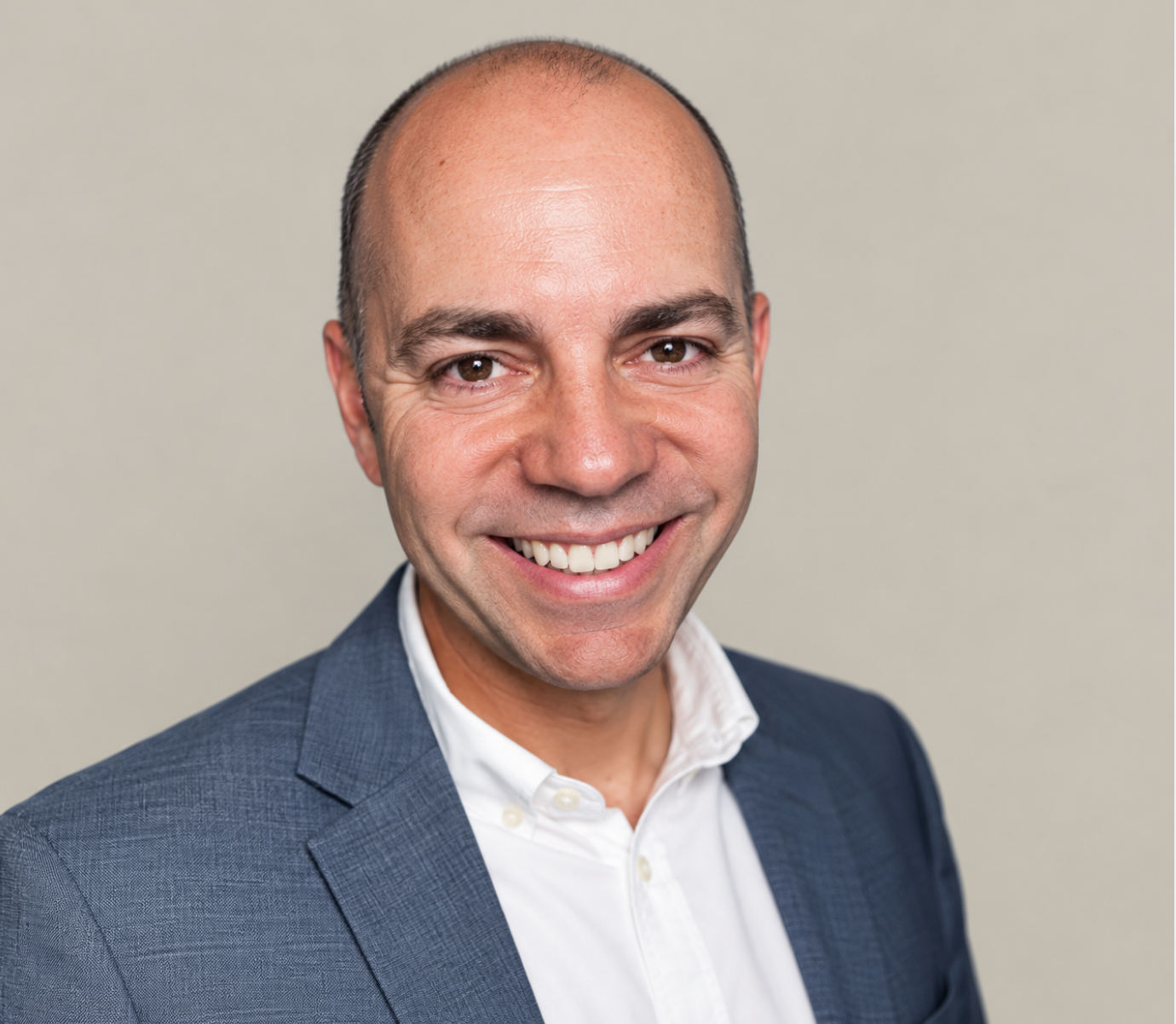 Rick Smith
 Travis Grothaus, veteran
What working with us looks like
Embedded, not outsourced
Daily check-ins, shared channels, and a team that knows your people by name.
Fixed-fee milestones
You know the cost of each stage before it starts. No surprise invoices.
AI-accelerated delivery
We use AI-assisted development to launch in weeks what used to take months.
Long-term partnership
Most of our clients stay with us for years, with ongoing support after launch.
What we help with
New Salesforce setups
Get started right, organized around the people you serve.
Cleanup and rescue
When reports are hard to get or your team avoids the system, we find out why and fix it.
Moving from another system
We bring your history with you, cleaned up and ready to use.
Online portals
Give grantees, applicants, volunteers, or customers a secure place to log in, apply, and update their information.
Documents and statements
Generate donor statements, letters, and reports automatically.
Ongoing support
A committed support plan so help is there when you need it.
Problems we fix
What we hear most, and what we do about it
Most teams we meet are dealing with at least one of these. None of them mean Salesforce was the wrong choice.
A system that slows you down
Slow pages and surprise errors
Years of old behind-the-scenes rules pile up on top of each other. Pages load slowly, saving drags, and errors show up at the worst times, often during your busiest weeks.
How we fix it: We untangle and replace the old rules with modern, well-organized ones, so pages open fast and saving just works.
Cleanup and rescue →Spreadsheets on the side
When reports are hard to use or can't do the math people need, staff export to Excel or Google Sheets. Soon there are copies everywhere, nobody knows which one is right, and sensitive information leaves Salesforce.
How we fix it: We build the views and reports your team actually needs inside Salesforce, so the spreadsheets are no longer necessary.
Ask Salesforce questions with Hank →Tools that don't talk to each other
Event platforms, payment tools, phone systems, and accounting software often sit apart from Salesforce. Staff enter the same information twice, and the numbers never quite match.
How we fix it: We connect your tools so information flows both ways automatically, with one place to look for the truth.
Information you can't trust
The same person, entered three times
Web forms, event sign-ups, and busy registration seasons create duplicate people and organizations. Reports get less accurate, and people receive the same letter twice.
How we fix it: We clean up the duplicates you have and set up rules that stop new ones at the door.
No shared way of entering things
Without clear naming and consistent fields for organizations, households, and campaigns, records end up incomplete, lists are hard to pull, and reports can't be trusted.
How we fix it: We agree on simple standards with your team and build them into Salesforce, so doing it the right way is also the easy way.
Too many people can see too much
Broad access settings from years ago often let staff see sensitive details about donors, volunteers, or the people you serve that they don't need for their work.
How we fix it: We review who can see what and set access by role, so each person sees only what they should.
A system people avoid
Cluttered, confusing screens
Pages packed with dozens of unneeded fields confuse occasional users, slow down data entry, and make simple tasks feel hard.
How we fix it: We simplify each screen around the job people are doing, so the right fields are front and center and the rest get out of the way.
Reports only a few people can build
Leadership dashboards look great, but most staff can't build a report or find the answer they need, and training never quite sticks.
How we fix it: We build a clear set of reports and dashboards, train your team, and, if you like, add Hank so anyone can ask Salesforce a question in plain English.
Meet Hank →Hard to use in the field
Standard mobile screens don't fit real field work, like larger text for older volunteers or signing waivers where there's no cell signal.
How we fix it: We design mobile and offline tools around the people using them, including check-ins and waivers that work without internet.
Real work
Recent work
Large disaster recovery and international relief organization
A faster, modern system
Under 1 sec to open a page, down from 3 to 5
We replaced hundreds of old behind-the-scenes rules with modern ones and sped up the work Salesforce does overnight, so pages that took 3 to 5 seconds to open now load in under 1 second.
Large disaster recovery and international relief organization
Registration that works without internet
Field teams and volunteers register, check in, and sign safety waivers digitally in remote disaster zones, even with spotty or no internet coverage.
Veteran service organizations
Case management and supportive services
Intake, progress toward each veteran's goals, and housing, workforce, and transportation services, coordinated in one system.
Faith-based and community organizations
Online giving, built in
One-time and recurring online giving connected to Salesforce, with automatic receipts and payment tracking.
How an engagement runs
Listen
A discovery conversation about your people, your processes, and what is getting in the way.
Plan
A clear scope broken into fixed-fee milestones.
Build together
Short cycles with regular demos so you see progress every week.
Launch and support
Training for your team and ongoing help after go-live.
Who we serve
Nonprofits
Know more about every donor, participant, and supporter, and spend less time on busywork.
Learn more →Faith-based organizations
Keep track of how people engage, from giving to serving to attending, in one place.
Learn more →Veteran support organizations
Deliver consistent, high-quality care to veterans and their families.
Learn more →Growing businesses
Get more from Salesforce with a partner who moves fast and explains things clearly.
Learn more →
Common questions
How much does Salesforce consulting cost?
Every project is scoped into fixed-fee milestones so you know the price up front. Many organizations start with our free 1-day consultation.
How long does a project take?
Because we build with AI assistance and start from accelerators, most projects move significantly faster than a traditional build. Timelines are set in your scope.
Do we need to know Salesforce already?
No. We explain everything in plain language and train your team as we go.
Start with a free 1-day consultation.
A discovery call, a review of your Salesforce setup, and tailored recommendations, delivered at no cost to you.